
Image

Effective communication begins with accessibility.
Image
Accessible citations make references easy to navigate for everyone, including screen reader users.
Image

Screen readers and text-to-speech (TTS) applications are essential assistive technologies that convert digital text and interface elemen
Image
Before publishing web content, run an automated accessibility checker and conduct a manual review.
Image
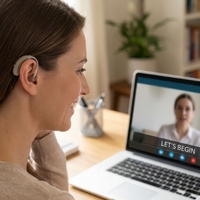
Creating accurate captions supports equal access to all users, improves comprehension, and ensures that content is accessible.
Image
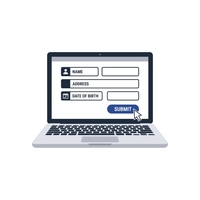
Introduction
Accessible forms give every student, faculty, and staff member equal access to univers
Image
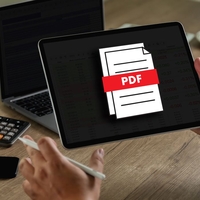
Learn how to build clear, inclusive, and fully compliant PDF documents by following the STARS framework.
Image
Launch Grackle Sheets
In Google Sheets, click Extensions > Grackle Docs
Image

Launch Grackle Docs & Verify Installation
In Google Slides, click Extensions &
Image
Launch Grackle Docs & Verify Installation
In Google Docs, click Extensions >
Image
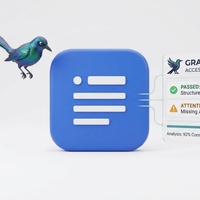
Grackle Accessibility Tool
Grackle is an automated checker extension that can be used to verify acc
Image

Learn how to build clear, inclusive, and fully compliant Microsoft Excel Spreadsheets by following the STARS framework.
Image
Learn how to build clear, inclusive, and fully compliant Microsoft PowerPoint Presentation by following the STARS framework.
Image
Learn how to build clear, inclusive, and fully compliant Microsoft Word documents by following the STARS framework.
Image
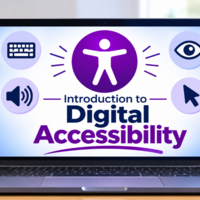
What is Digital Accessibility?
Digital Accessibility is creating content for online and mobile use
Purpose
Content that has been published for historical, legal, or reference